

Pro Tools 2018 | Retrospective MIDI Record LIKE A BOSS
How to use Retrospective MIDI Record in Avid Pro Tools. This is an awesome feature.
Retrospective MIDI Record lets you add MIDI data without actually recording. Pro Tools will constantly capture all incoming MIDI while you are playing back and working on your performance.
If you play something that sounded great – YOU DON’T HAVE TO GO BACK AND RECORD! Just use Retrospective Record, you will find it in the EVENT menu, or use the shortcut ALT + SHIFT + Z. Your performance will be placed the exact way you played it and at the correct time.
Try this with loop playback too.
Retrospective MIDI Record is a huge time-saver in Pro Tools.
https://www.avid.com/pro-tools
About Post Author

More Awesome Stuff
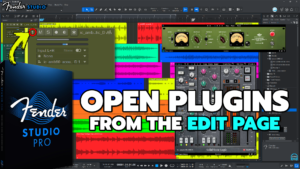
Open Plugins from the Edit Page in Fender Studio Pro 8
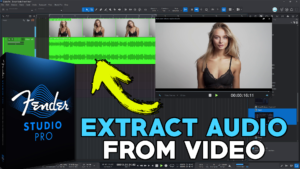
How to Extract Audio from a Video in Fender Studio Pro 8
Pro Tools Looks Too Small in 4K – DO THIS!