
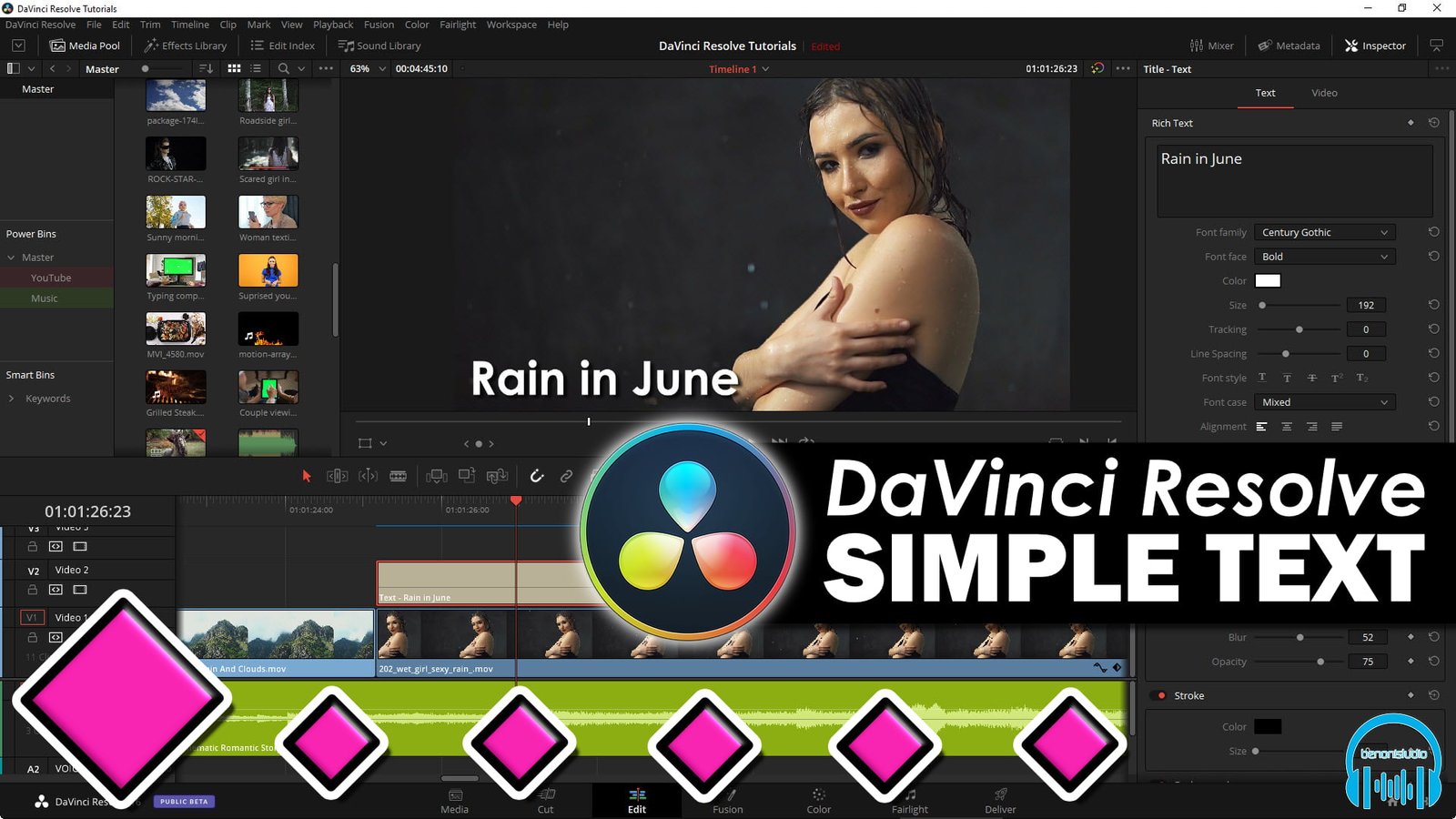
Add Text in DaVinci Resolve and Animate it
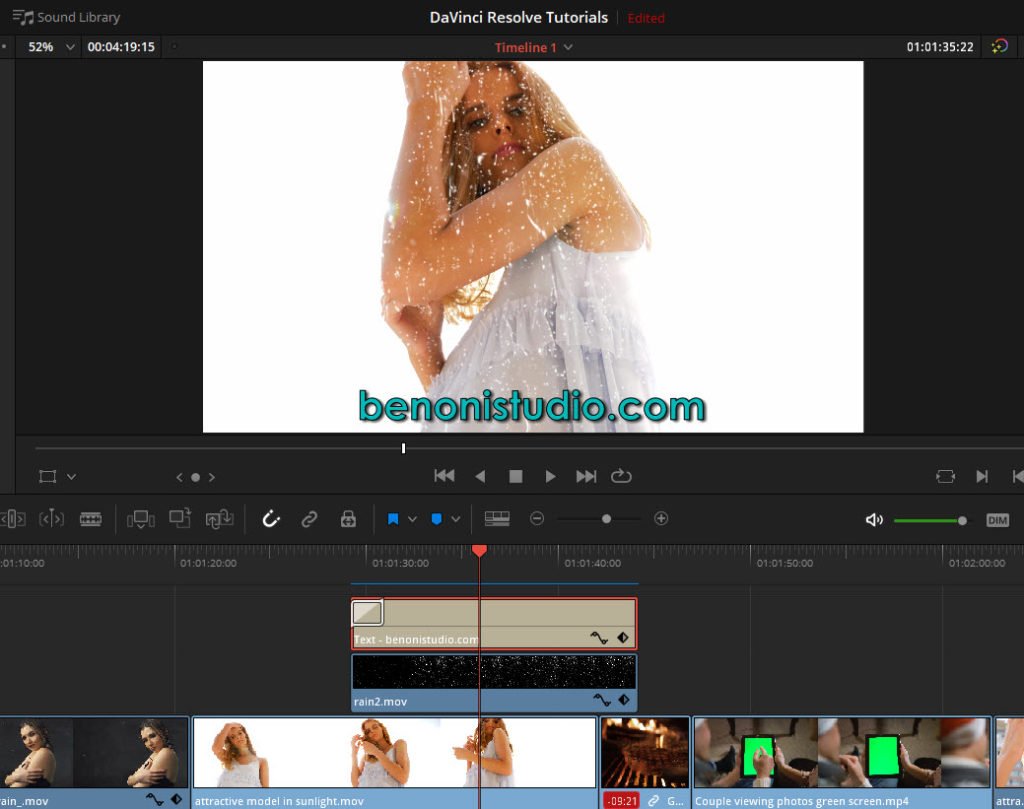
In this video we’ll look at how to add basic text or titles in DaVinci Resolve.
Then, we’ll use keyframes to animate it on screen.
Adding text and titles is a basic thing you need to know how to do in DaVinci Resolve.
This video will get you up to speed on the basics, and show you how to manually animate your text.
About Post Author



More Awesome Stuff
Open Plugins from the Edit Page in Fender Studio Pro 8
How to Extract Audio from a Video in Fender Studio Pro 8
Pro Tools Looks Too Small in 4K – DO THIS!