

The Favorite Plugins List in Pro Tools
How to add plugins to your Favorite Plugins List in Pro Tools for quick access.
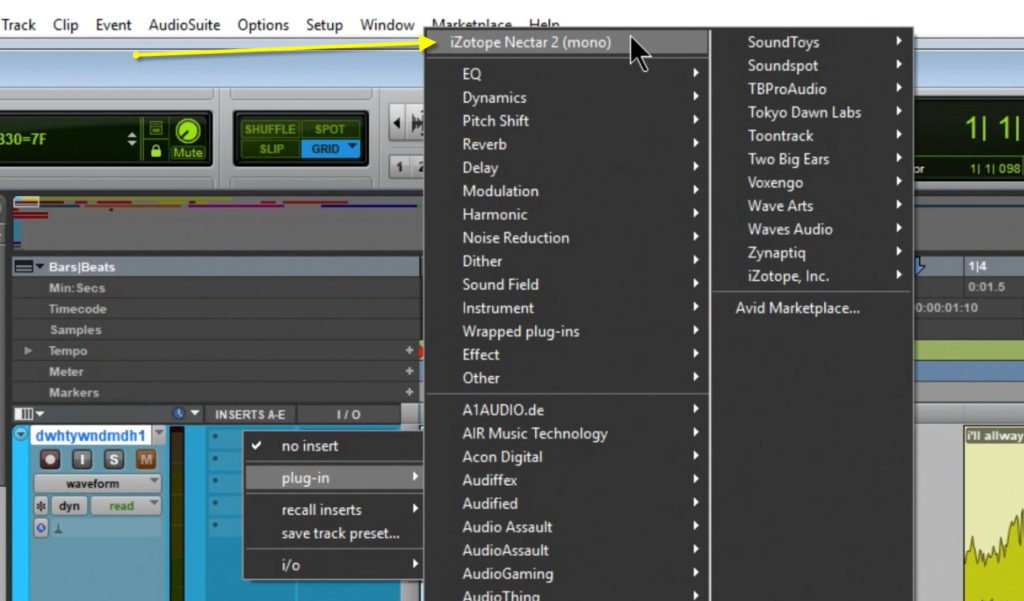
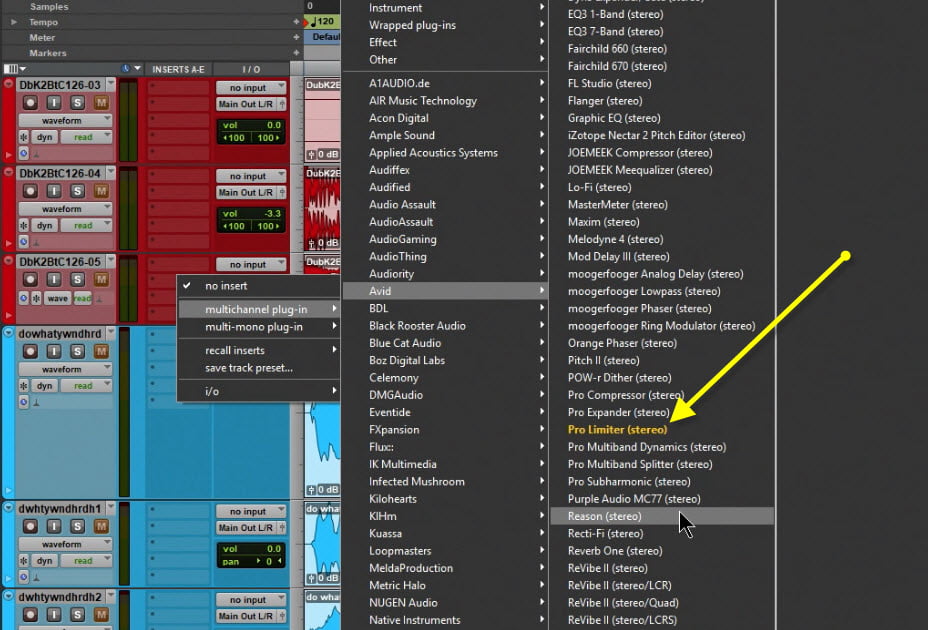
Pro Tools offers many display options for plugins. But, the quickest way to access your most used plugins is to add them to your Favorites List. Once added, they will appear at the top of the Plugin Insert list, and will also be highlighted in the Category and Manufacturer lists.
To add a favorite plugin, hold ‘Ctrl’ and click the plugin you want to add. That’s ‘Command’ on Mac.
To remove a Favorite, just repeat the process.
Add plugins that you use most often to your Favorites List in Pro Tools
https://www.avid.com/pro-tools
About Post Author




More Awesome Stuff
Open Plugins from the Edit Page in Fender Studio Pro 8
How to Extract Audio from a Video in Fender Studio Pro 8
Pro Tools Looks Too Small in 4K – DO THIS!